Drop a whole folder
Drag images, 3D files or entire folders from your desktop. Each folder becomes its own titled section, subfolders neatly stacked below — your research is organized the moment it lands.
Free for artists · Windows, macOS & Linux
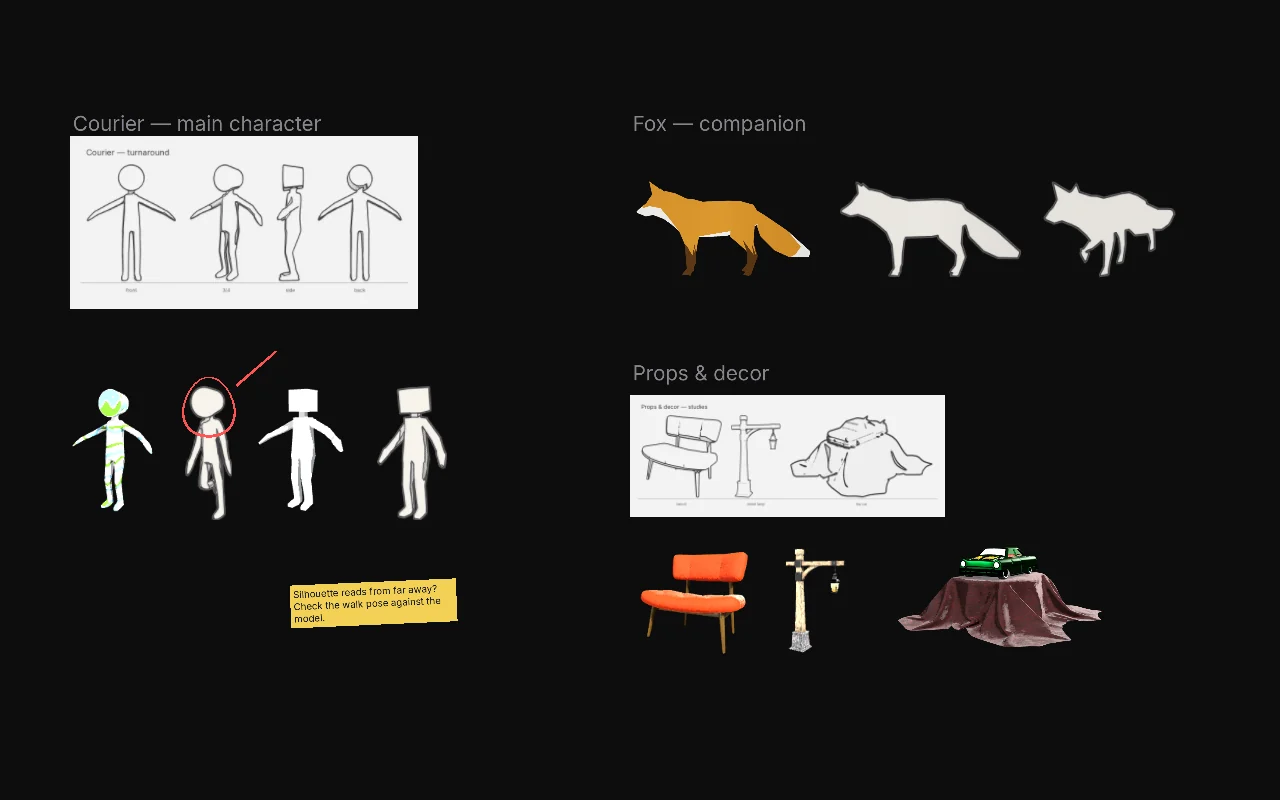
Gather images, sketches and 3D models in one place. Build moodboards, character sheets and inspiration walls — then keep them floating next to the app you paint in.
No account. No subscription. Nothing uploaded.
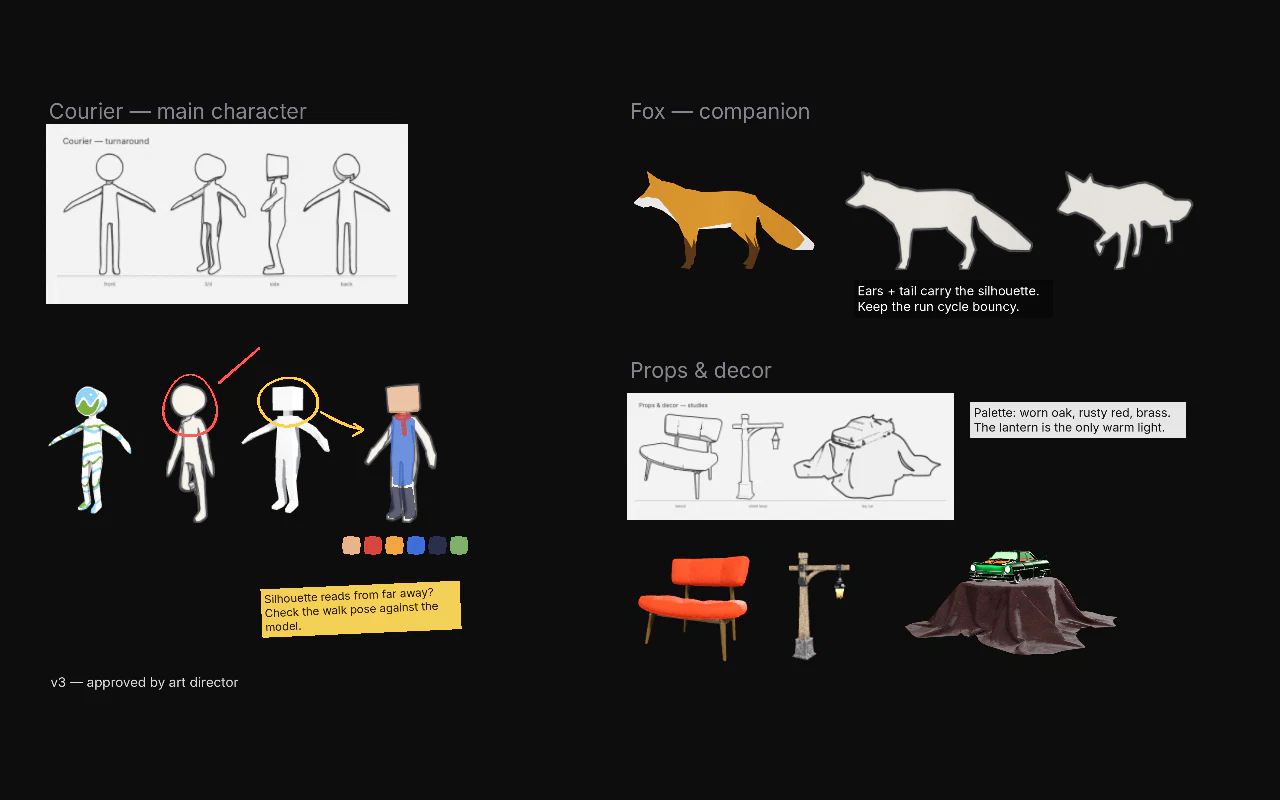
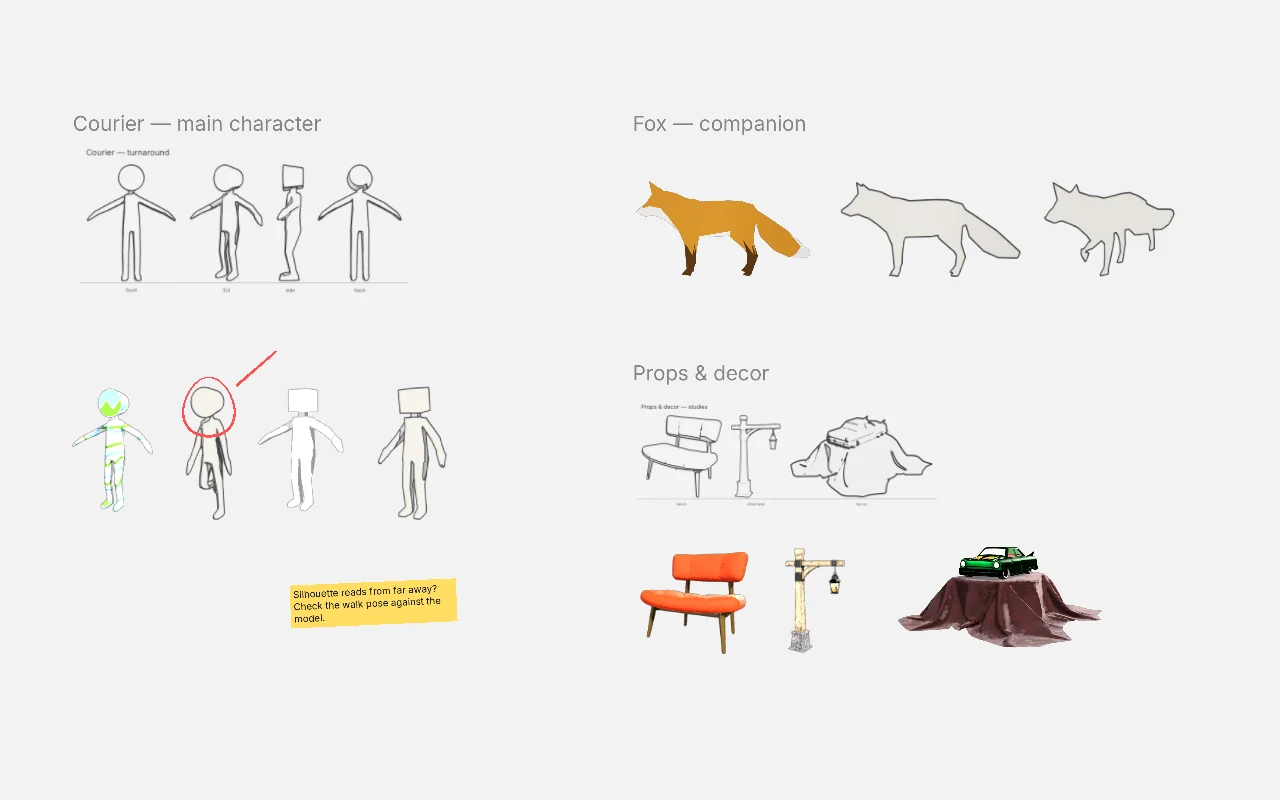
No import window, no library to set up. Drag, drop or paste — your pictures land on the board exactly where you want them.
Drag images, 3D files or entire folders from your desktop. Each folder becomes its own titled section, subfolders neatly stacked below — your research is organized the moment it lands.
Copy an image in your browser or grab a screenshot, then Ctrl V. Paste a web link and the picture downloads by itself.
Drop a character, a prop or a set from Blender, ZBrush, Maya or a store. Its textures are found and applied for you.
JPG and PNG look exactly like in your browser. EXR and HDR renders open with film-accurate color (ACES) and an exposure control.
Opens in a blink and sits idle without using your computer's power, so you can leave it open next to your work all day.
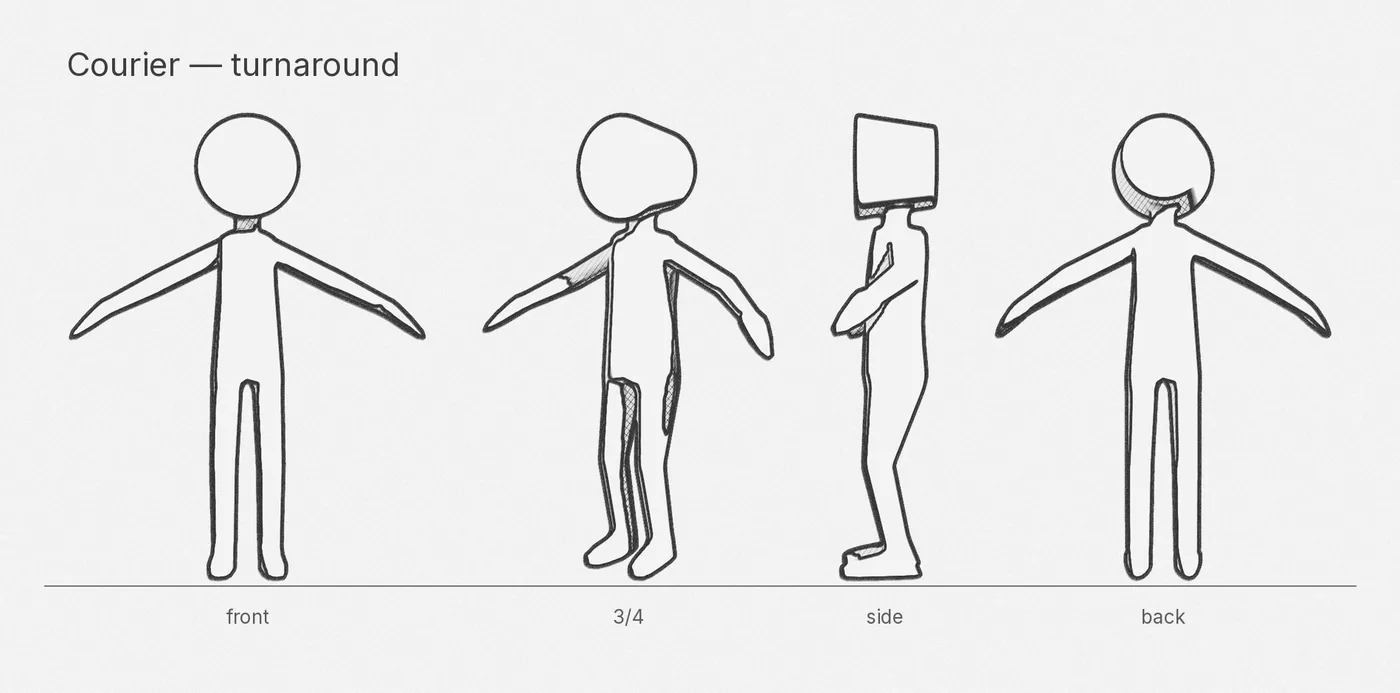
No need to open a heavy 3D program just to look at a model. In Idéorama, a model is a picture you can turn around.
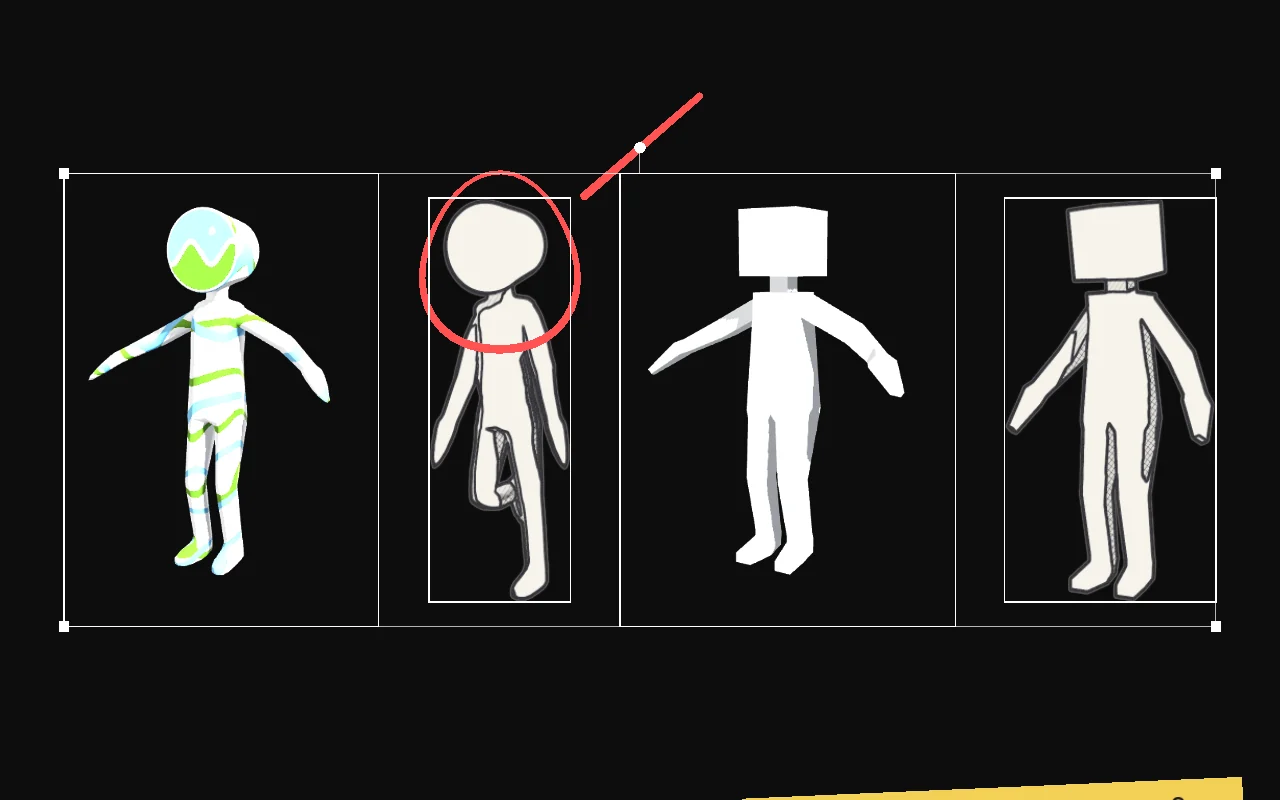
Hold Alt and drag to spin a model. One key jumps to the front, side, back or three-quarter view.
Switch between textured and plain clay to read shapes and silhouettes, with studio or flat lighting.
Line up characters, props and sets at their true size — feet on the same line — to check proportions against your sketches.
Select a messy pile and let Idéorama lay it out. Works the same on pictures, models and notes — and every move can be undone.
A compact collage that fits your window, no gaps wasted.
Neat rows and columns, sorted by name, date or type.
One row, from tallest to smallest, all standing on the same line.
Snap edges or centers together and spread items with equal gaps. Transparent pictures align on what's drawn, not on their empty border.
Give a selection the same height, width or area in one go — or stack pictures on top of each other to flip between them.
Press B and draw right on the board — with your tablet's pressure. Your strokes never touch the original pictures.
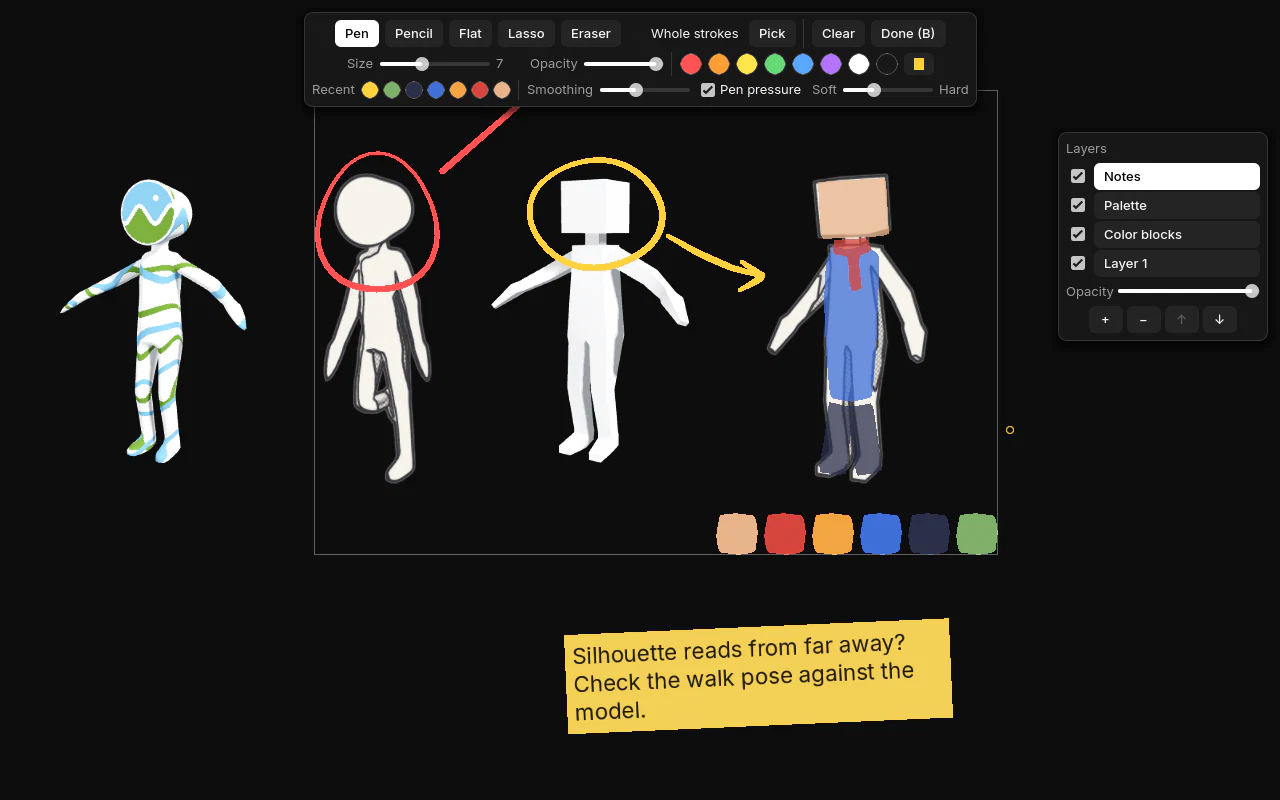
Pressure-sensitive brushes with smoothing for clean lines, plus an eraser that works with your pen's back end.
Draw a shape and it fills with flat color — perfect for quick color scripts, value thumbnails and palettes.
Paint on layers you can hide, rename and fade. Pick any color from a picture or a model with Alt-click.
Press T to write. Sticky, light, dark or plain notes to title sections and remember ideas.
Keep your board floating over Photoshop, Krita, Clip Studio, Blender or ZBrush, see-through if you like, and let your clicks pass to the app underneath.
Always on top, borderless and see-through. Lock the board so nothing moves by accident.
Press G to see a picture or a model in grayscale — the quickest way to read light and shadow.
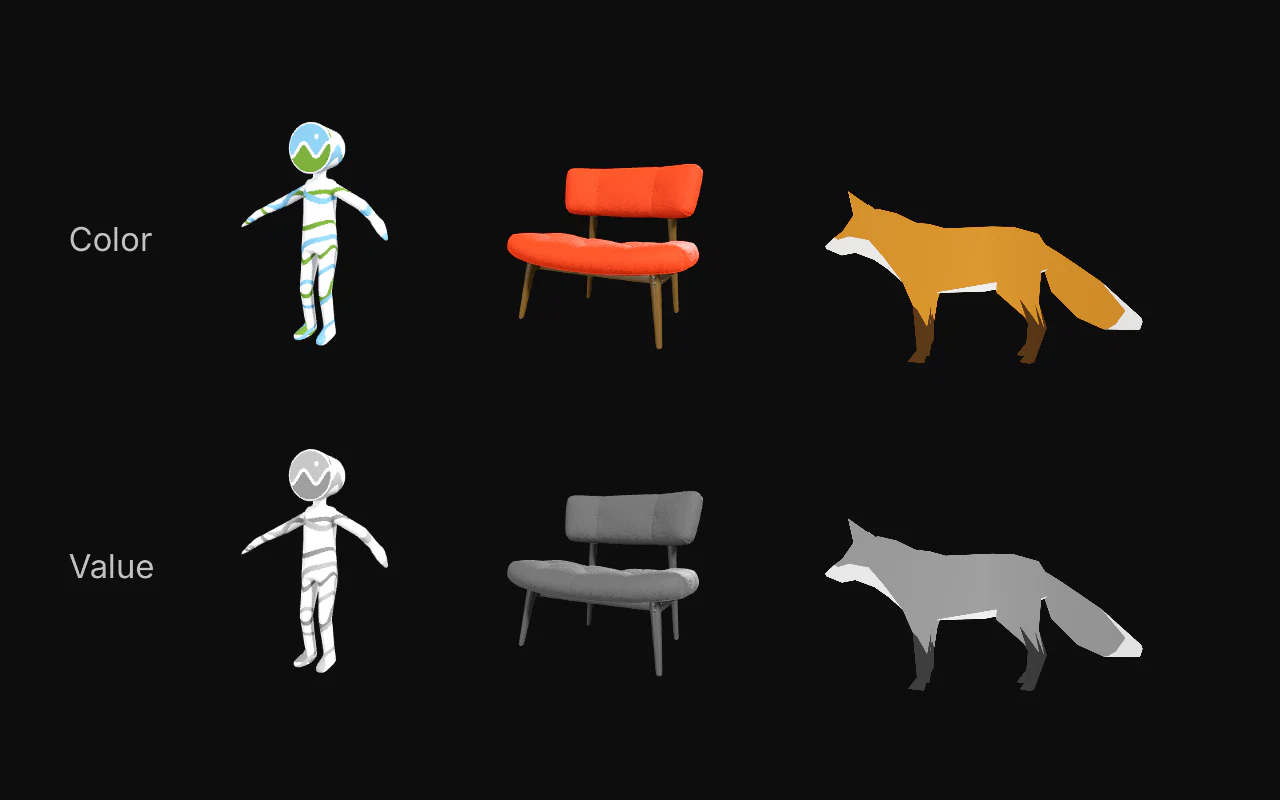
Mirror anything with H to spot drawing mistakes, the classic painter's trick. Lower opacity to compare.
Press Ctrl K and type what you want to do. No menus to learn — shortcuts show up as you go.
One download, every feature. You only pay if a company or a studio uses it — once, no subscription, nothing to activate.
€0forever
Even for paid client work. No account, no reminders, no locked features.
One-time payment, all v1 updates · VAT added at checkout · card, Apple Pay, Google Pay · invoice by email
€0whole school
Art and animation schools get the full studio license for free. One email is enough.
Yes, for individuals and freelancers — even when you're paid for the work. It's the full app, with no time limit and no nag screens. Only companies and studios are asked to buy a license.
Not at all. Drop a model file like you'd drop a picture, then hold Alt and drag to turn it. That's it.
Idéorama runs next to any desktop app — Photoshop, Krita, Clip Studio Paint, Affinity, Blender, ZBrush… Keep it on top, make it see-through, and let clicks pass through to your canvas.
No. There is no account and no cloud: your boards stay on your computer. The app only checks once a day whether an update is available, and you can turn that off.
Yes. Pen pressure, smoothing and the eraser end of the pen all work in draw mode.
Windows 10 or 11, macOS 12 or later, or Linux. Nothing to install: unzip and open. The full manual explains every feature.
Free for artists and freelancers. A demo board comes with the app so you can try everything right away.
Need help getting started? Read the manual.